Xbox Insiders Get Home Background Shuffle, Library Filters and Guide Position Options
Xbox is introducing three console customization changes for Xbox Insiders: a way to rotate saved dynamic backgrounds, a separate library category for games with claimed disc-based digital licenses, and a choice of which side of the screen the Guide opens on. The features are starting with Alpha Skip-Ahead members, with Xbox saying they’ll reach more Insiders and players over time.
The updates focus on everyday interface choices rather than adding games or changing how they run. Backgrounds can now change without manual selection, eligible games can be grouped apart from other owned titles, and players who prefer the Guide on the right can move it there. These are Insider features for now, not a confirmed release to all Xbox players.
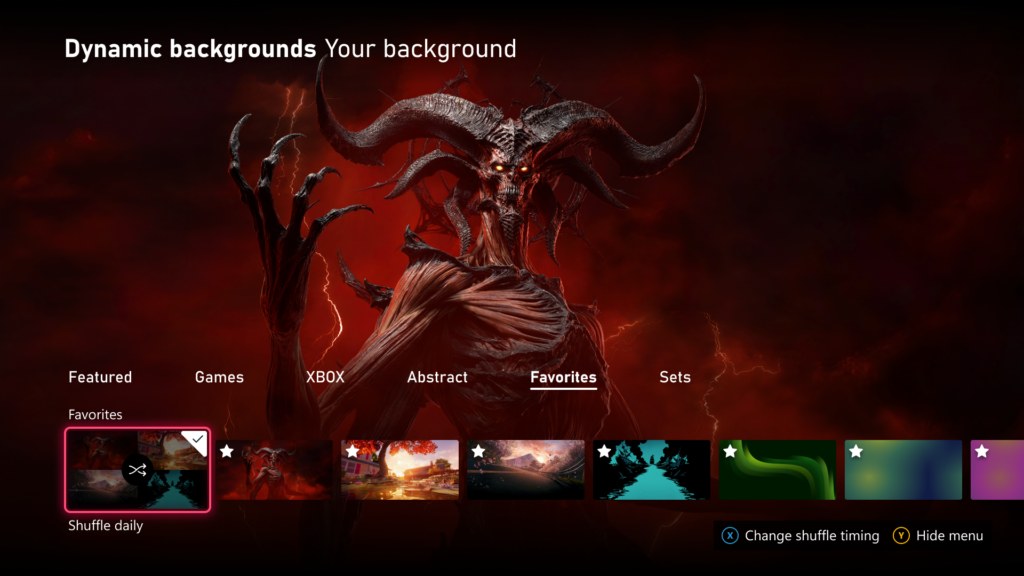
Save dynamic backgrounds and set them to rotate
Insiders can add dynamic backgrounds to a new Favorites category and have the console shuffle through them. To save one, open Settings > General > Personalization > My background > Dynamic backgrounds > Dynamic backgrounds, select a background, and press X. After that, it’s available under Favorites rather than requiring players to find it again in its original category.
Shuffle can be selected at the beginning of any background category. Players can choose to have a background change each time they sign in, or set the interval to hourly, daily or weekly. The shuffle can draw from saved favorites or from a whole category, so the feature works both as a way to cycle through a personally selected set and as a way to vary a broader selection.
There’s also a small convenience for owners of controllers with exclusive backgrounds. Xbox gives the Xbox Wireless Controller X25 Special Edition as an example: saving its background as a favorite means it can still be used when that controller isn’t connected. The change is about retaining access to the background, not a new way to connect or configure the controller.
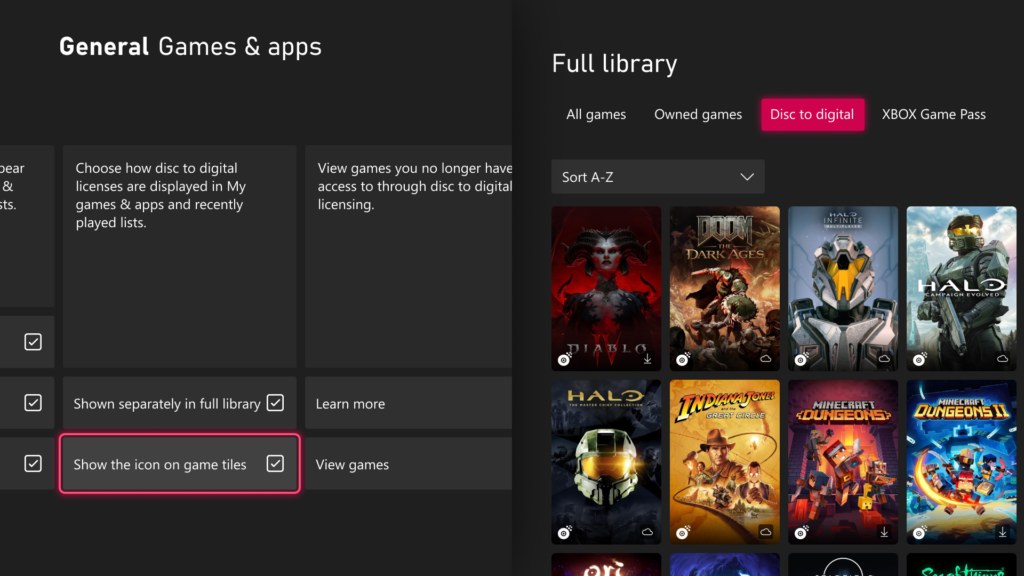
Separate claimed disc-based game licenses in the library
The library update applies to players who have claimed digital licenses for disc-based games. Xbox says players have been able to claim those licenses since August; Insiders who have done so will now see the games in a separate category in the full library. That gives players an option to distinguish this group when browsing, without forcing everyone to keep the games apart from their other owned titles.
Players who prefer the existing combined view can switch back through Settings > General > Personalization > Games & apps. The same settings page also lets them hide the digital-license icon shown on game tiles. Those are two separate presentation controls: one changes where the games appear in the full library, while the other removes the icon from tiles.
The announcement concerns organization and display of games for which a digital license has already been claimed. It doesn’t describe a change to the claiming process, nor does it say that the new category applies to every disc-based game in a player’s collection.
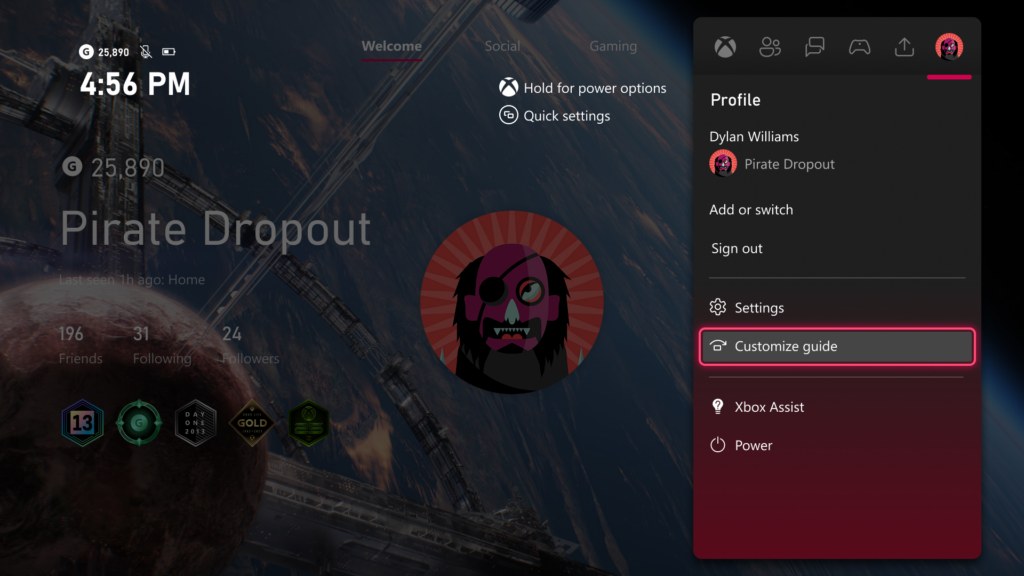
Move the Guide to the right
Insiders can choose whether the Guide opens on the left or right side of the screen. The position setting is under Settings > General > Personalization > Guide. For players who prefer the right-hand layout, this changes where the interface appears during navigation; the announcement doesn’t describe any other changes to the Guide’s contents or functions.
All three options are being tested through the Xbox Insider program, with Alpha Skip-Ahead receiving them first. Xbox hasn’t given a date for when the broader rollout will reach other Insiders or the full player base, so general availability shouldn’t be assumed yet.