Xbox’s November 19 Checklist Recommends 212GB of Free Space
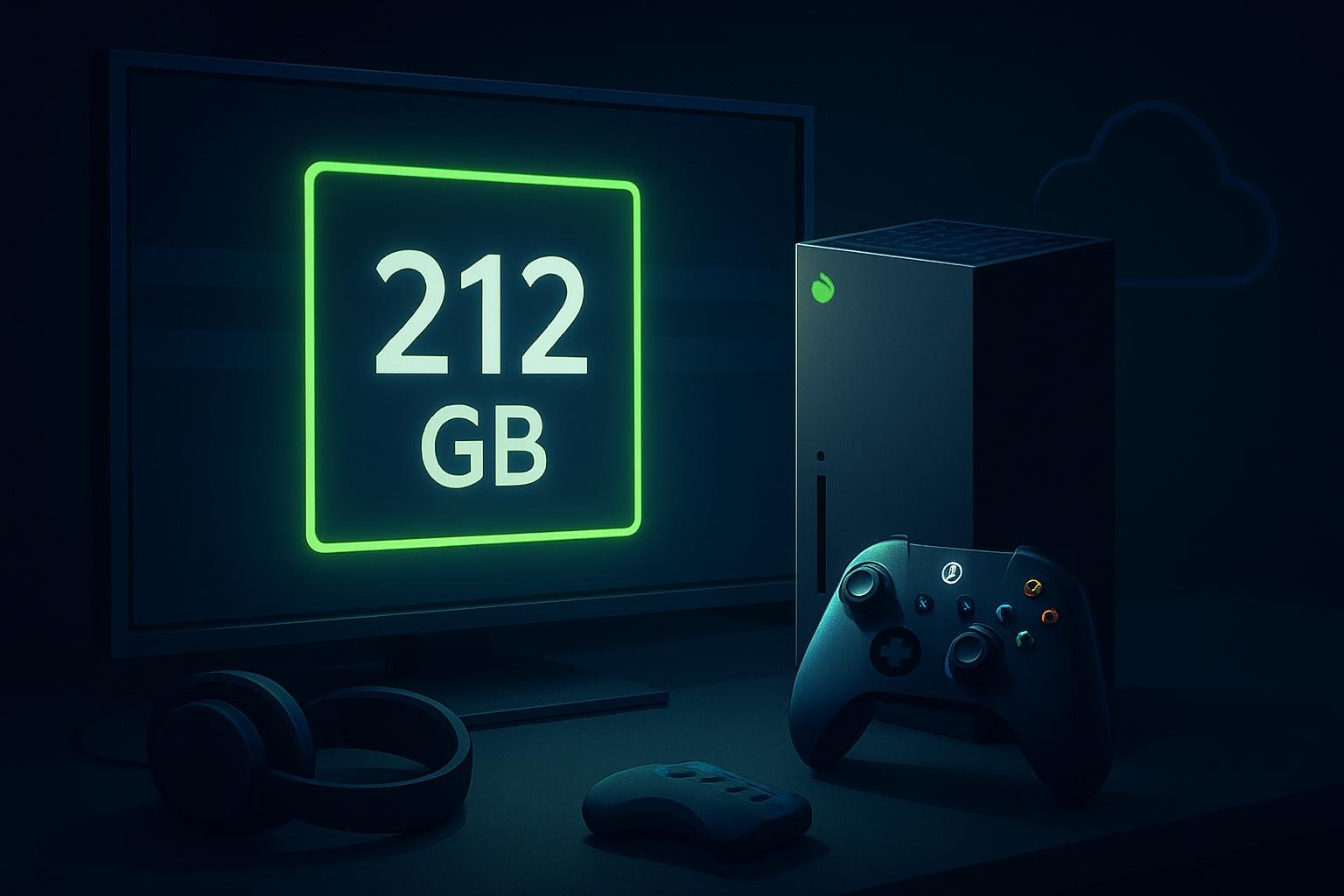
Xbox’s preparation guide for November 19, 2026, asks Series X|S owners to make roughly 212GB of storage available before the day arrives. It also lays out alternatives for players without a current-generation console, plus a few less technical ways to avoid interruptions during a long session.
The checklist doesn’t say that 212GB is the download size of a particular game. Instead, it presents the figure as space to clear ahead of time, pointing to a crowded 2026 release slate as one reason players’ drives may already be full. That distinction matters: the guide offers a readiness target, not a confirmed installation requirement for every player.
Storage is the main practical hurdle
Xbox lists Gears of War E-Day, Call of Duty: Modern Warfare 4, Forza Horizon 6, Halo: Campaign Evolved, Minecraft Dungeons II and Diablo 4: Lord of Hatred among the games released during 2026. It also names Control Resonant, Mixtape, Pragmata, The Blood of Dawnwalker, Star Wars: Galactic Racer, 007 First Light and Ace Combat 8: Wings of Theve. The list is the guide’s explanation for why a console drive could be tight, not a statement that all of those games need to be installed for November 19.
For Series X|S players, the immediate option is to remove enough installed content to free approximately 212GB. Xbox also points to the storage expansion slot on the back of the console as a way to add capacity and keep more games available without repeatedly uninstalling them. The guide doesn’t specify an expansion product, its cost or how much extra space a player should buy.
That leaves a straightforward choice: clear space on the drive you have, or expand the console’s storage. Anyone who plans to make room by uninstalling games can do that ahead of time rather than discovering the shortage when they want to play. The source doesn’t provide a title-by-title storage breakdown, so the number is best treated as Xbox’s general preparation recommendation rather than a precise prediction of what a given console will need.
Cloud play offers an Xbox One route
Players with an Xbox One can use Xbox Cloud Gaming to stream supported games instead of installing them on a Series X|S. Xbox describes the service as a way to access recent games without owning a current-generation console or using its local drive space. Its linked announcement identifies Grand Theft Auto 6 as a game confirmed for cloud availability on day one, although the guide doesn’t list every release that will be supported.
Cloud access has limits players should account for before planning a long session. The guide says Game Pass subscribers receive a monthly allotment of cloud gaming hours through their plans, while blocks of time can also be purchased. It doesn’t give the number of hours, explain which plan applies, or provide pricing for additional time, so players should check their own subscription and allowance rather than assume streaming is unlimited.
In practical terms, streaming can be a way to avoid a large local installation, but it isn’t the same as having unrestricted access to every game. The source calls out certain major releases as cloud-ready on day one; it does not say that every upcoming game will be available that way. Players relying on the service should confirm the specific game and their available hours.
Get the console and controller ready early
For either Xbox One or Series X|S, Xbox recommends powering on a console that hasn’t been used recently, connecting it to the internet and checking for system updates before November 19. That moves any update download out of the way before play begins. The guide also suggests installing pre-ordered releases in advance, so a player isn’t waiting to start a download when they’re ready to use the console.
The checklist notes that save files are stored in the cloud, which lets players continue from where they last played when they move between consoles or rooms. That can help if the console’s location changes during the day, though the guide doesn’t spell out any setup steps or additional conditions for accessing those saves.
Controller preparation is more modest but similarly useful for a long session. Xbox suggests charging a wireless controller, keeping AA batteries on hand, or preparing a second controller to swap in. It also mentions Xbox Design Lab, where players can choose colors, patterns and textured grips for a controller, along with specially themed pink and pastel versions. Customization is an optional way to mark the occasion, not a requirement for playing.

The rest of the checklist is about fewer interruptions
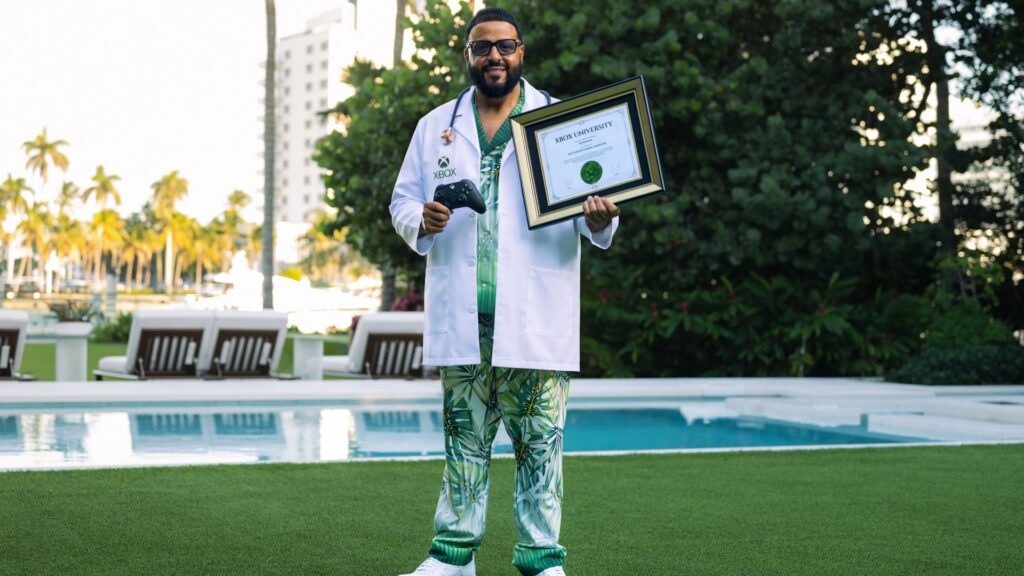
Xbox’s other suggestions range from arranging a dog walker or doggie daycare to moving a console away from younger players’ sightlines, if that matters at home. Its advice to take a sick day is clearly framed as a joke, with DJ Khaled—dubbed “Dr. XBOX” in the guide—offering a personalized note. These are household and scheduling ideas, not features or necessities for the console.
The guide also points players toward Spotify for a playlist and recommends the 1967 film Bonnie and Clyde, starring Warren Beatty and Faye Dunaway, as a crime-story warm-up. It closes with a tongue-in-cheek warning about alligators. For players looking for the parts that can actually affect setup, the core tasks are clearer: make storage room or check cloud availability, get updates and pre-orders handled early, and have a charged controller ready.